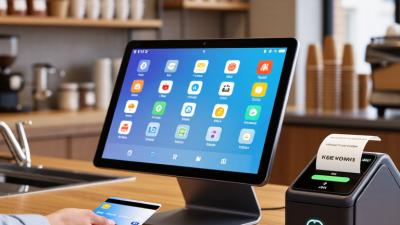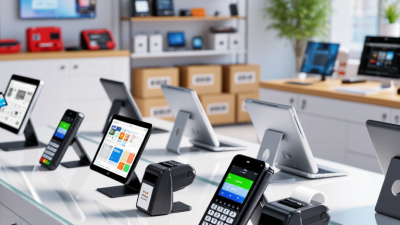
Choosing the 2026 best Card Machine for a small business is not about picking the flashiest terminal. It is about matching payment technology to real daily work. A busy café needs fast contactless transactions, while a mobile electrician may value battery life and portable connectivity. A market stall may need a simple setup that works without a fixed checkout. Small details matter, including receipt options, screen brightness, charging speed, and the clarity of transaction records.
Fintech author and payments expert Chris Skinner has said, “The future of payments is not about payments, but about commerce.” That idea is useful here. A Card Machine should support the whole customer experience, from a quick tap at the counter to a reliable refund after a mistaken order. It should also offer transparent pricing, strong security controls, dependable customer support, and compatibility with common accounting or point-of-sale systems. Claims about “zero fees” deserve careful checking. They may exclude transaction charges, minimum contracts, hardware costs, or premium support.
This guide compares the leading options for small businesses in 2026. It considers transaction fees, contract flexibility, payment methods, connectivity, portability, and ease of use. It also looks beyond the sales page. How long does support take to respond? Does the terminal remain practical during a busy Saturday rush? No machine is perfect. A cheaper device may lack useful reporting, while an advanced model may overwhelm a sole trader. The best choice depends on actual trading conditions, not general popularity.
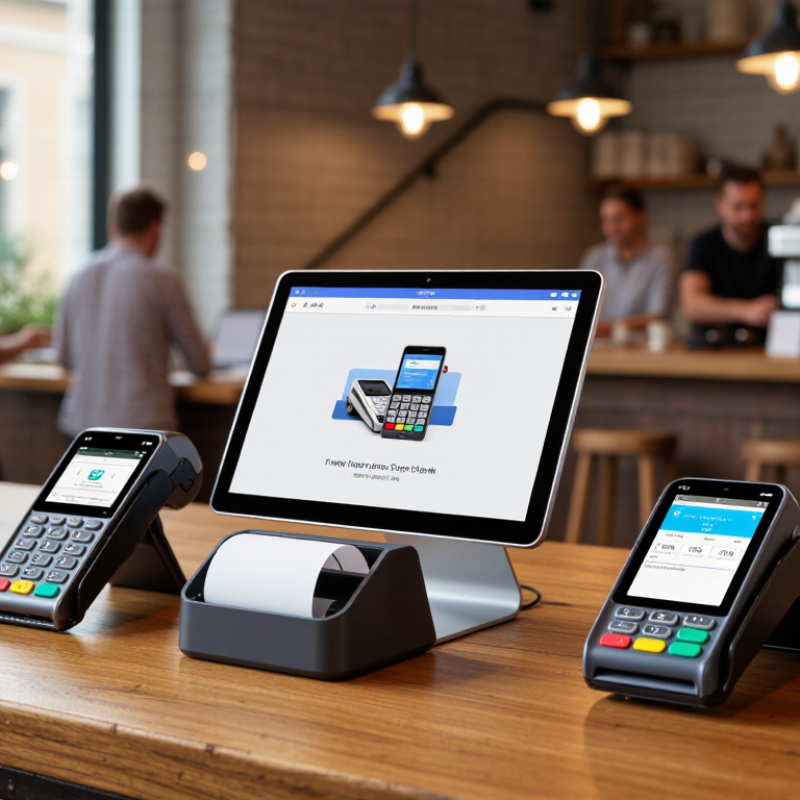
A card machine is a small payment device that reads debit, credit, and contactless cards. It connects to a payment account and confirms transactions within seconds. Some models use Wi-Fi, mobile data, or a phone connection. The right choice depends on your shop, customers, and daily routine.
For a small business, card payments can reduce cash handling and shorten queues. A customer can tap a card while you pack a purchase. A market trader may need a portable machine with dependable mobile connectivity. A café might prefer a countertop device with a bright screen and receipt options. Check transaction fees, rental costs, settlement times, and contract terms carefully. Low upfront pricing can hide expensive conditions.
Security should guide every decision. Choose equipment with current payment protection and regular software updates. Staff should know how to check totals, spot unusual prompts, and protect customer information. Test the machine during busy periods, not only in a quiet office. Weak signals happen. Batteries fail. No machine is perfect. I would also review refund steps before accepting the first payment, because a confusing process can damage trust quickly. Accessibility matters too; clear displays and simple buttons help both staff and customers. A short trial can reveal problems that a sales page never mentions.
Key Features to Consider in a 2026 Card Machine
A strong card machine should accept chip, contactless, and mobile-wallet payments. Worldpay’s Global Payments Report 2024 found that digital wallets represented about 30% of global in-store payment value in 2023. That makes reliable NFC performance essential, especially during busy lunch hours. Test the reader near metal counters and crowded checkout areas. Small delays become visible quickly.
Security deserves equal attention. EMV chip authentication reduces counterfeit-card exposure, while encryption and tokenisation help protect payment data. The PCI Security Standards Council requires businesses to manage payment information carefully, not simply purchase secure hardware. Choose a device with automatic software updates, tamper detection, and clear compliance documentation. Marketing claims alone are not evidence.
Connectivity can decide whether a sale succeeds. Look for Wi-Fi, cellular backup, and a dependable offline mode where permitted by the payment provider. Battery life also matters; a machine that dies at 2 p.m. is expensive, even with low transaction fees. Capgemini’s World Payments Report 2024 highlights continuing growth in real-time and digital payments, but smaller businesses still need practical reliability. I would compare settlement times, monthly charges, receipt options, and integration with accounting systems. The cheapest terminal may create more manual work. That calculation is easy to miss.
| Feature | Recommended Benchmark for 2026 | Why It Matters to Small Businesses | Best Fit | Priority |
|---|---|---|---|---|
| Payment Acceptance | EMV chip, contactless NFC, and magnetic-stripe fallback where still supported | Accepting multiple payment methods helps reduce declined transactions and supports customers who pay by card, phone, or wearable device. | Retail, hospitality, personal services, and mobile sellers | Essential |
| Connectivity | Dual-band Wi-Fi plus cellular connectivity, preferably 4G or newer | Wi-Fi is useful indoors, while cellular connectivity provides a backup for markets, events, deliveries, and locations with unreliable broadband. | Mobile businesses and businesses operating across several locations | Essential |
| Transaction Speed | Typical payment completion in approximately 2–5 seconds under normal network conditions | Faster checkout reduces queues, improves customer experience, and allows staff to serve more customers during busy periods. | Busy shops, cafés, restaurants, and service counters | High |
| Battery Life | At least 8 hours of normal use or a full trading day; USB-C charging is preferred | A dependable battery prevents payment interruptions during shifts, outdoor work, and events where power outlets may be limited. | Pop-up shops, tradespeople, markets, and delivery services | High |
| Security | EMV certification, point-to-point encryption or tokenization, tamper protection, and PCI DSS-aligned payment processing | Strong security reduces exposure to card data theft and supports safer handling of customer payment information. | Every business that accepts card payments | Essential |
| Receipt Options | Digital receipts by email or text, with an optional built-in or paired receipt printer | Digital receipts reduce paper use and are convenient, while printed receipts remain useful for customers who need physical records. | Retail, hospitality, repair services, and professional services | High |
| Point-of-Sale Integration | Compatibility with inventory, accounting, invoicing, staff, and customer-management systems through supported integrations | Connected systems reduce manual entry, help keep records accurate, and make it easier to monitor sales and stock. | Businesses with inventory, multiple employees, or recurring reporting needs | High |
| Refunds and Transaction Management | On-device refunds, cancellations, digital transaction history, and searchable payment records | Simple transaction management saves staff time and makes customer service, reconciliation, and dispute handling easier. | Retailers, service providers, and businesses with regular returns | High |
| Offline Payment Capability | Secure offline mode only when supported by the payment processor, with clear transaction limits and risk controls | Offline processing may help during temporary network outages, but transactions can be declined later and may create additional business risk. | Travelling sellers and venues with inconsistent connectivity | Medium |
| Ease of Use | Large readable display, simple menus, quick setup, and minimal staff training | Intuitive controls reduce checkout errors and help new or seasonal employees become productive quickly. | Small teams, temporary staff, and owner-operated businesses | High |
| Durability and Portability | Compact construction, a non-slip grip, protective casing, and resistance to everyday drops and frequent handling | A portable and durable device is easier to carry and less likely to disrupt sales because of ordinary workplace wear. | Outdoor sellers, delivery teams, tradespeople, and mobile services | High |
| Accessibility | Clear text, strong screen contrast, tactile controls where available, and an interface usable by people with different abilities | Accessible payment experiences support more customers and help businesses provide inclusive service. | All customer-facing businesses | High |
| Pricing Transparency | Clearly disclosed transaction fees, hardware costs, subscription charges, settlement timing, and contract terms | Understanding the complete cost structure helps small businesses forecast margins and avoid unexpected charges. | Start-ups, low-volume sellers, and businesses comparing payment providers | Essential |
| Customer Support | Help by phone, chat, or email, plus searchable setup guides and troubleshooting documentation | Responsive support can shorten downtime when a device, connection, or settlement issue affects sales. | Businesses without an in-house technical team | High |
| Settlement and Reporting | Clear daily reports, downloadable transaction data, predictable settlement schedules, and reconciliation tools | Accurate reporting makes it easier to track revenue, match deposits, prepare accounts, and identify unusual transactions. | Businesses that need regular bookkeeping or cash-flow forecasting | High |
Choosing the best card machine in 2026 means examining the total cost, not only the advertised device price. The Federal Reserve’s 2024 Diary of Consumer Payment Choice found that credit and debit cards represented about 62% of consumer payments in the United States. A reliable terminal can therefore protect daily sales, but small fees accumulate quickly.
Compare the purchase price, monthly rental, transaction percentage, fixed authorisation charge, and settlement fee. For example, a 1.75% fee on £20,000 monthly card sales costs £350 before other charges. The Worldpay Global Payments Report 2024 also shows digital wallets expanding strongly at physical checkout, so contactless capability matters. Read the contract carefully. Check minimum monthly charges, PCI compliance fees, replacement costs, chargeback handling, cancellation periods, and automatic renewals. A low headline rate may hide a 24-month commitment. The cheapest quote can age badly.
Tips: Request a written cost example using your real monthly sales and average transaction value. Ask whether rates differ for cards issued abroad or rewards cards. Confirm settlement timing, especially before payroll days. Keep the contract and fee schedule together. I would not rely on a verbal promise; memory becomes unreliable when invoices change. Leave room to question unclear wording. That small pause can prevent an expensive commitment.
Typical UK market comparison using midpoint estimates from commonly published small-business pricing ranges. Actual rates may vary by business type, sales volume, and provider.
Lower transaction fees and monthly costs can reduce long-term spending, while pay-as-you-go plans generally provide the greatest contract flexibility.
A countertop card machine suits shops with a fixed checkout. It usually offers a stable connection, a clear screen, and quick receipt options. This type works well for cafés, salons, and small retailers with steady customer queues. Check the device’s offline process carefully. A temporary connection failure should not create confusion at the till.
A portable machine fits businesses that serve customers away from one counter. Restaurants, market sellers, and mobile service providers may value its battery life and wireless connection. Look for strong signal handling, simple tipping controls, and a secure carrying case. Small details matter. A heavy reader can become annoying during a long market day. An affordable device may also have higher transaction fees, so compare real usage costs.
For very small operations, a phone-based payment tool can reduce equipment and setup needs. It may suit freelancers, repair workers, and appointment-based services. However, a phone battery, internet access, and compatible hardware remain essential. An integrated system can connect payments with stock or booking records. That sounds efficient, but setup can take longer than expected. Avoid choosing advanced features that staff will rarely use.
Security updates, encrypted transactions, accessible receipts, and responsive support should influence the decision. No machine is perfect for every business. The right choice depends on where payments happen, how often they occur, and how much complexity the owner can manage.
Choosing the best card machine for a small business starts with your customers, not its screen. Observe payment habits during one busy week. Do customers tap, insert, or request digital receipts? A compact machine suits markets and mobile services, while a larger terminal may work better at a fixed counter. Check connection options, battery life, transaction fees, payout timing, and receipt settings. Clear pricing matters more than impressive features.
Set up the machine before opening hours. Confirm the account details, refund process, staff permissions, and security settings. Run a small test payment, then check whether the receipt shows the correct business information. Keep the device updated and store it away from heat, moisture, and public reach. Train every employee to check the amount before asking for payment. I once skipped this simple habit during a busy period, and correcting one mistaken amount took longer than expected.
Tips: Charge it nightly. Keep a backup connection. Clean the screen gently. Record support contacts offline. Review weekly reports for unusual declines or duplicated payments. Test refunds regularly, but avoid using real customer details for practice. Ask staff what feels awkward during checkout; their feedback often reveals problems that a manual cannot. A short queue can expose weak setup quickly.